-

-
-
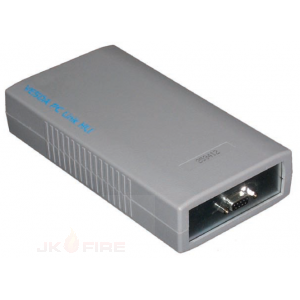
PC-Link HLI Sliding Windows RS232 Interface (For VSM, V-Config & VSC Software)
-
User friendly menu system Supports multiple languages Single point access to entire VESDAnet system Alarm and fault simulation Shows wiring order Locates communications failures Password security Hand held or remote mounting Automatic Logoff when inactive Backlit LCD screen
-
-
-
-
-
-
-
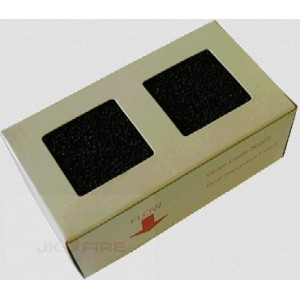
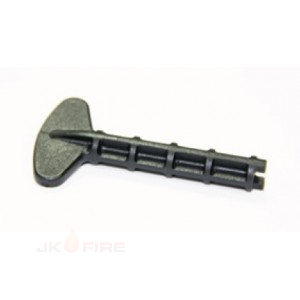
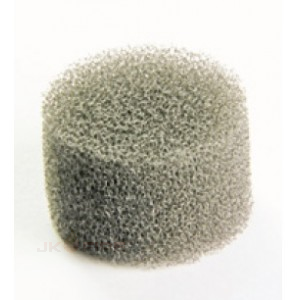
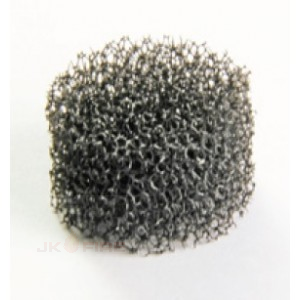
1. Remove the transparent cover using the corner stud key. 2. Lift out the foam filter element from the filter tube using tweezers or long nosed pliers. 3. Fit a new filter element. Ensure that the filter is not compressed during fitting and that it is positioned flush with the top of the filter tube. 4. Replace the transparent cover.
-
1. Remove the transparent cover using the corner stud key. 2. Lift out the foam filter element from the filter tube using tweezers or long nosed pliers. 3. Fit a new filter element. Ensure that the filter is not compressed during fitting and that it is positioned flush with the top of the filter tube. 4. Replace the transparent cover.